How to use GW Done
A short guide. Find your role below — you only need to read your own part.
- 1
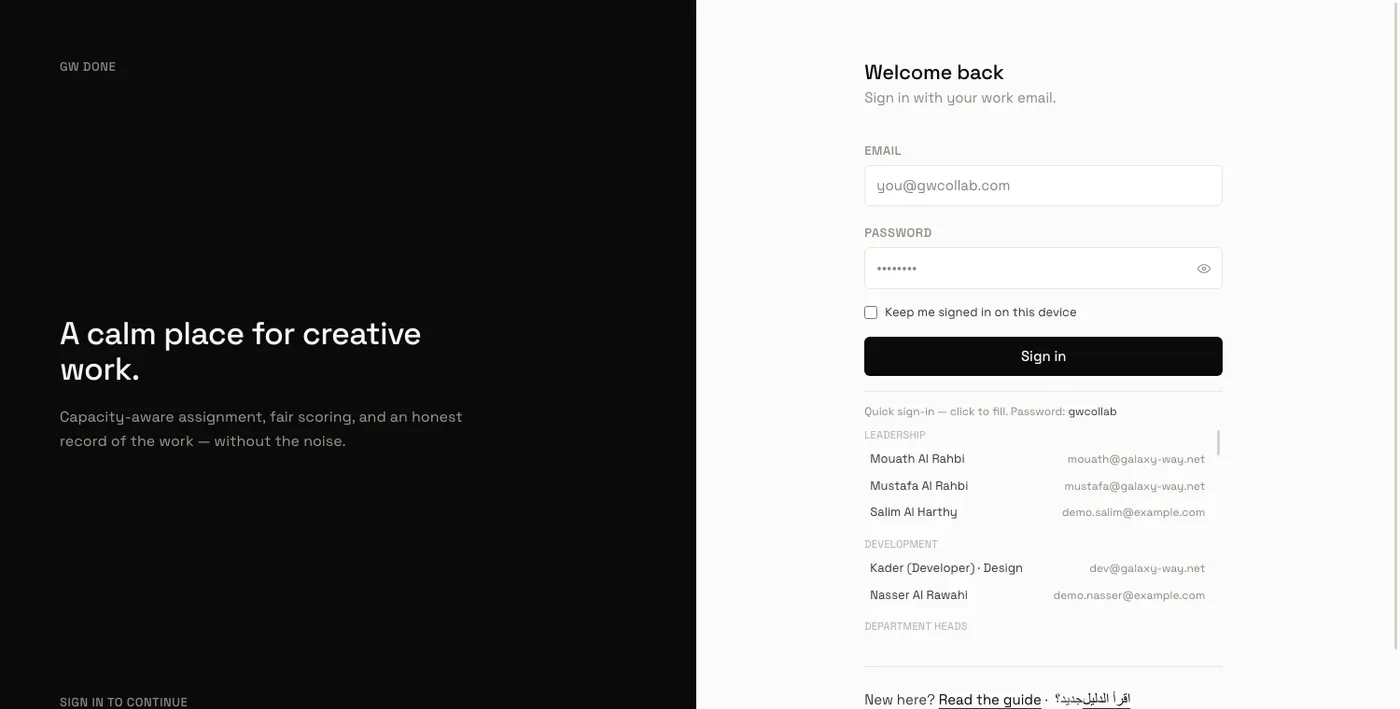
Sign in with your work email
Use the email address the company gave you. The first time, you will be asked to choose your own password. Nobody else can see it.
- 2
The bar at the top
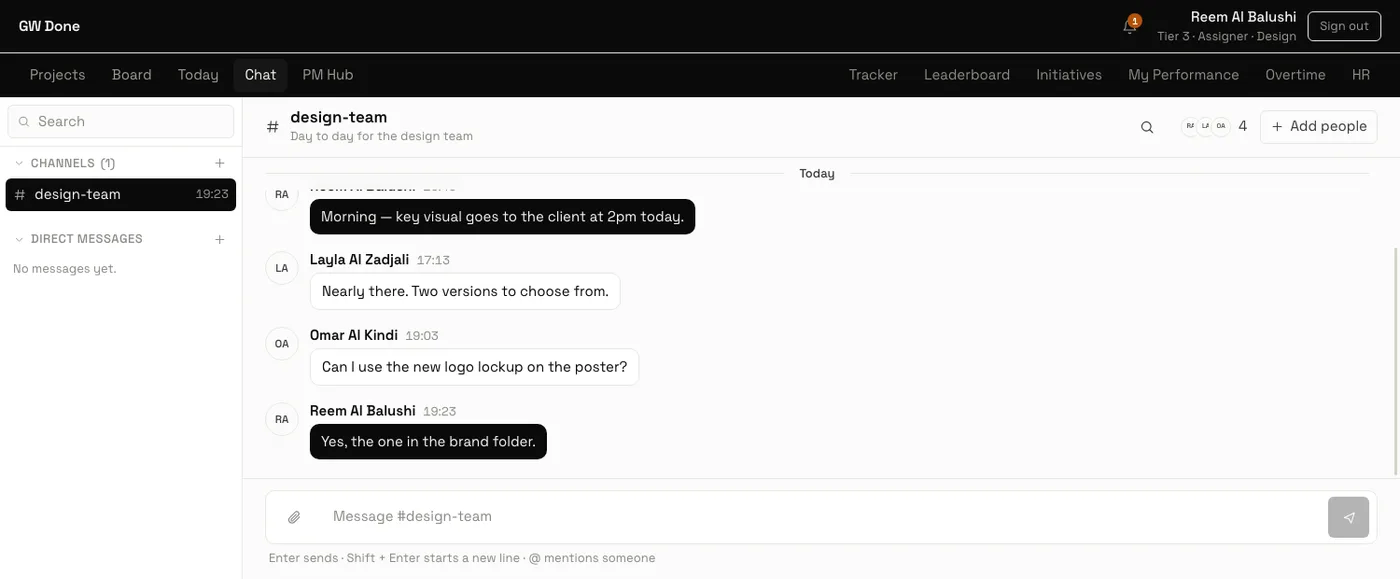
Everything you can open is up there. What you see depends on your role, so your bar may look different from a colleague's. Your name is on the right — click it to change your password.

- 3
The bell tells you what changed
A number on the bell means something needs you — a new task, an approval, someone mentioning you. Important ones are also sent to your email.
- 4
Chat is inside the app
Open Chat to talk to the team. Channels are for a subject or a project; direct messages are private between you and one person. Type @ and a name to get their attention.
Still stuck?
Ask in the Chat page, or speak to your department head.